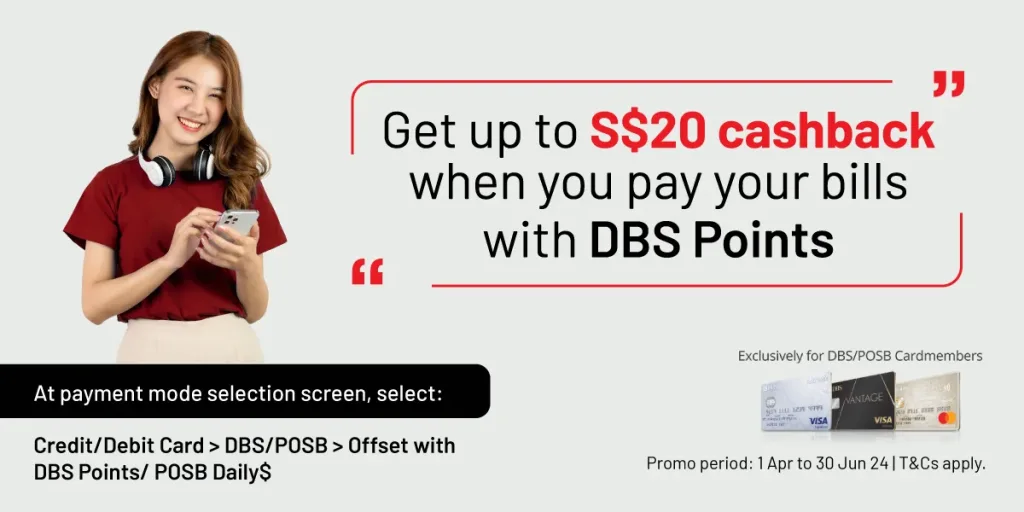
How to offset your payment with DBS Points:
Step 1
Select and add payment service(s) in the AXS m-Station (app).
Step 2
Click “Pay” to proceed to payment. Select DBS/POSB credit card or debit card as your payment mode, followed by “Offset with DBS Points/POSB Daily$”.
Step 3
Login to your DBS/POSB account. Upon successful login, you will be redirected to the payment page.
Step 4
Select to pay with DBS Points and input the amount in dollar value that you’ll like to redeem.
Step 5
An eReceipt will be sent to your AXS m-Station registered email address once the transaction is completed.